Google Simplifies Android Gemini Interface
The Android version of the AI chatbot now features a unified settings page and a streamlined navigation drawer.
By Jonathan Hoffmann ·
Google is currently pushing a major visual overhaul to the Gemini application on Android devices. This specific update focuses on reorganizing the user interface to make navigation simpler and more direct. The change is part of a broader effort to modernize the platform following recent structural shifts in how tasks are handled.
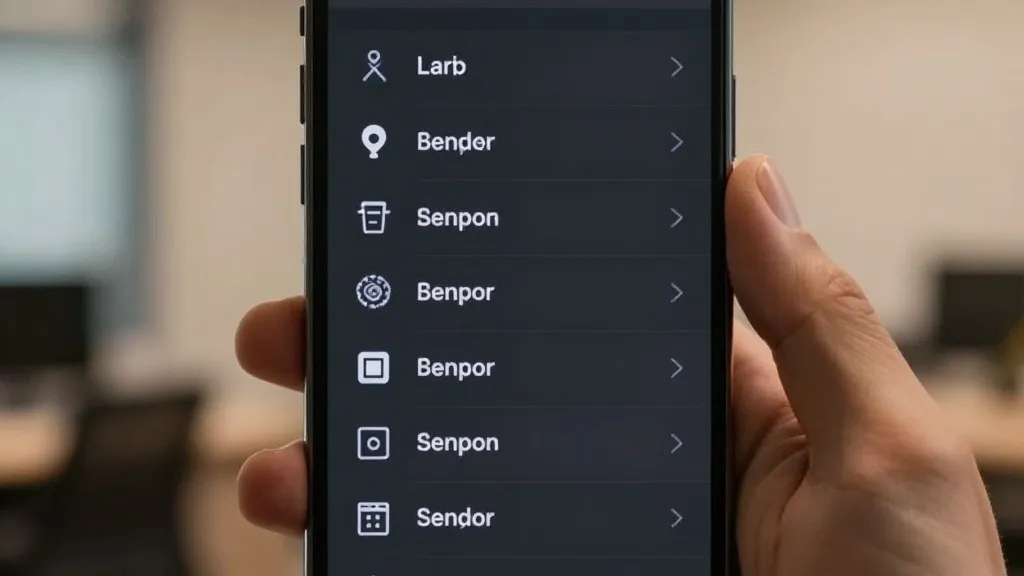
The most visible alteration involves the side panel that opens from the left side of the screen. The search feature has been relocated to the top right corner for easier access. The option to start a new chat remains at the very top of the list. However, the Library section has moved significantly higher in the hierarchy. It now appears immediately below the new chat button, whereas it previously resided near the bottom of the menu.
To prevent the menu from looking cluttered, the app initially displays only the five most relevant items. Users who need to see their full history can tap a 'More' button to expand the list. For those subscribed to the AI Ultra tier, the complete menu includes New chat, Library, Images, Scheduled, Daily brief, Customize, Students, Videos, and Gems. This layout aims to keep frequently used tools visible without overwhelming the user with options.
The settings experience has undergone a similar consolidation. Previously, users had to switch between two different areas to manage their preferences. One was located within the account menu, while the other was a dedicated settings section. Google has now merged these two locations into a single, comprehensive page. The account menu now serves a narrower purpose, handling only account switching, feedback submission, and help requests.
The new unified settings page begins with options to manage the account and check usage limits. A preferences section follows, listing items such as Notifications, Personal Intelligence, Avatar, Task settings, Theme, Skills, Voice, Media, Device controls, Cart and orders, and Gemini Notebook. The Theme option is notably new to this specific list. The page concludes with sections for Data and privacy, as well as support resources like help guides and problem reporting.
This Android update follows a similar rollout that occurred last week. At that time, the changes arrived on iOS, macOS, and web platforms alongside the launch of Gemini 4 Argon. The Android version is now reaching a wider audience through a server-side delivery method. This approach means users do not need to download a new version of the app to see the changes. The update appears automatically as they open the application.
These interface changes are part of a larger wave of recent developments for the Gemini app. Other recent additions include the availability of Gemini Notebook as a Connected App. Free users are also transitioning to Auto models as the app introduces new thinking levels. Additionally, a new Map tool has been introduced, replacing the previous slash shortcut with an at symbol for commands.